Boutique
Stage every storefront listing in one place, then paste it in by hand.
Shipping a game to more than one storefront means retyping the same description seven times, in seven slightly different text boxes, while hunting down whatever pixel dimensions that store wants this month — then doing the whole thing again for every language you translate into. Boutique keeps one clean copy of everything and helps you tailor it per store, per language, without losing track of what's done.
One card per game
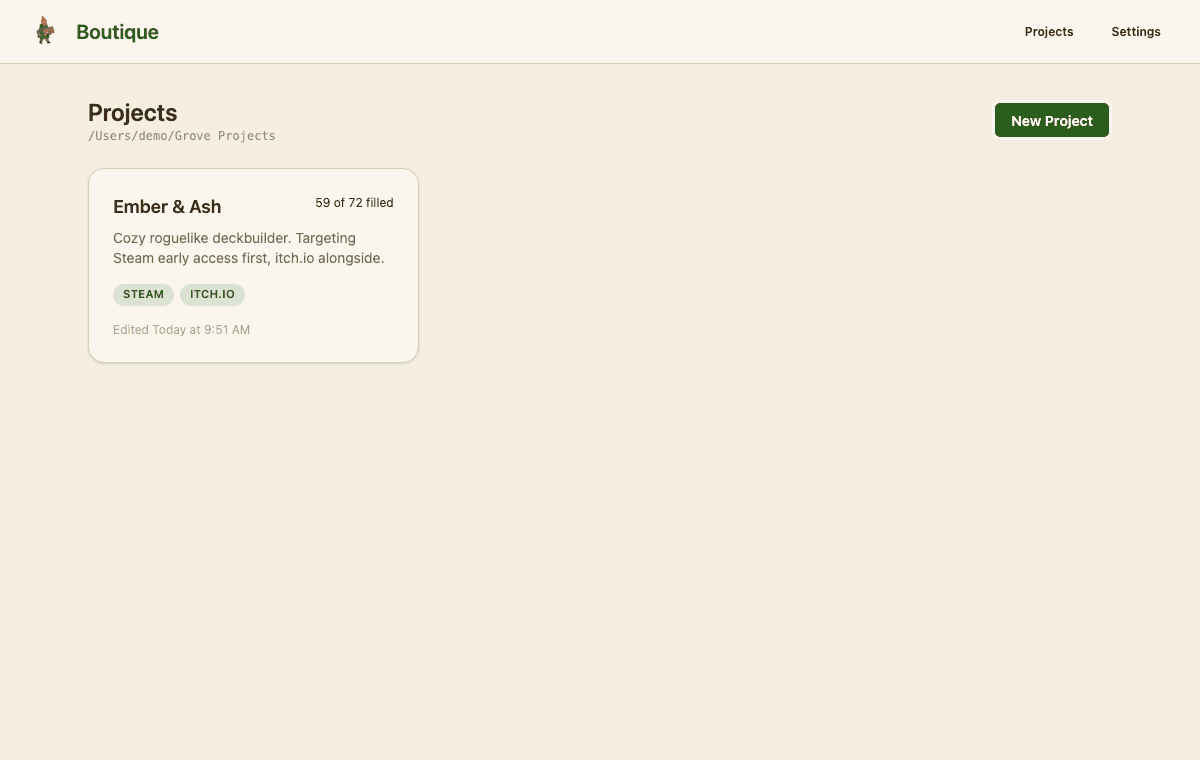
Every game gets its own project, and the card tells you at a glance how far along the listing is — not a vague percentage, a real count of filled fields and required images.
Seven storefronts, one project
Steam, itch.io, Epic, GOG, Humble, App Store, and Google Play. Add the ones you're actually shipping to, and each tracks its own completion independently of the rest.

Store tabs hold only what's unique
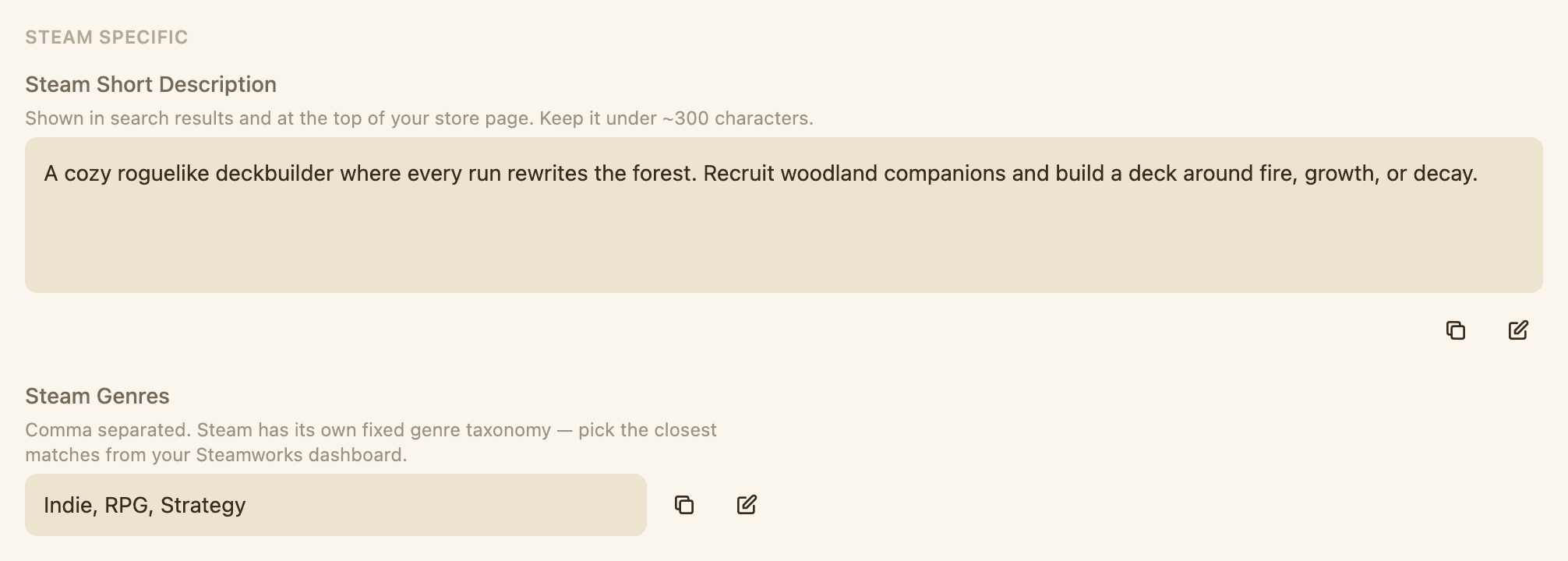
Shared content — title, description, links, system requirements — lives once on the Base tab and stays there. A store tab carries only the fields that store invented, so there's no second copy of your description to keep in sync.
Every language, tracked separately
Each storefront's listing exists per language, seeded from your default when you add one. Translations get their own fields and their own art, so a half-finished Japanese page can't quietly hide behind a finished English one.

The real dimension rules, next to the slot
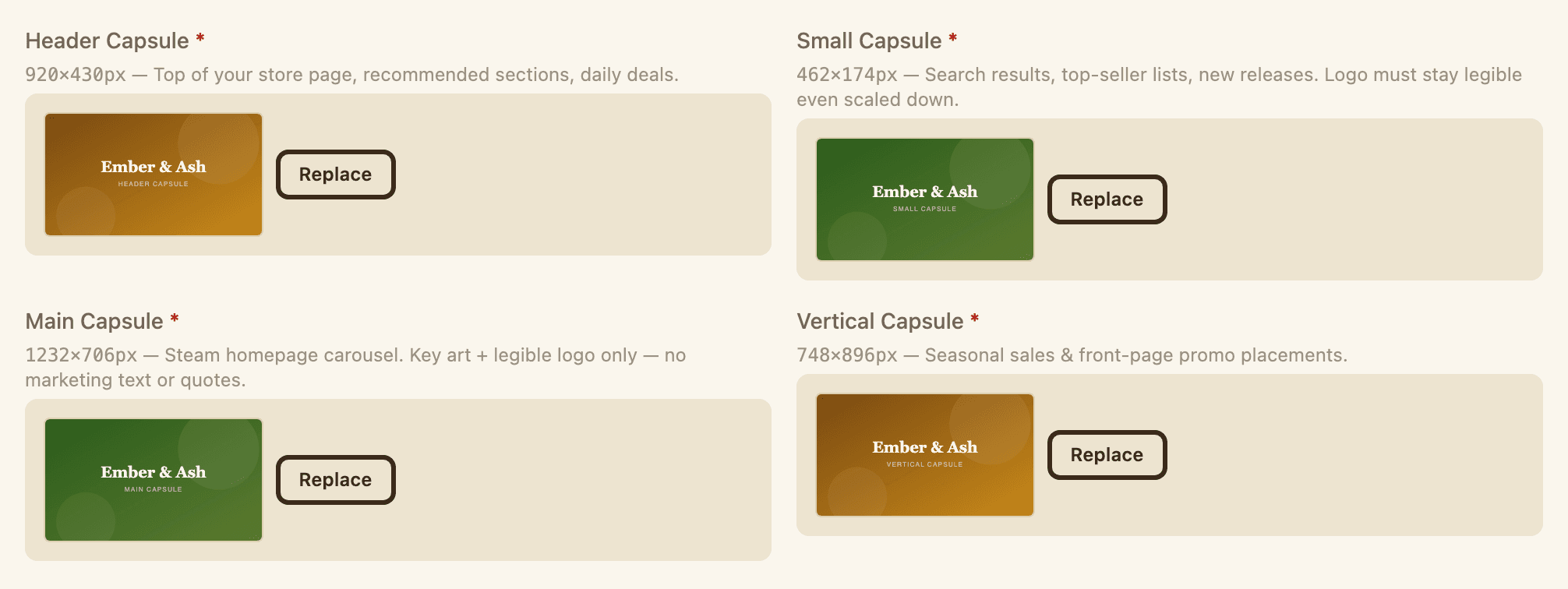
Where a store publishes exact pixel specs, they sit right beside the upload — 920×430 header capsule, 1232×706 main capsule, and so on. Anything Boutique couldn't verify against official docs is flagged as unverified rather than guessed at.
Know exactly what's left
One bar for the whole project, then a breakdown per storefront. It counts required images too — so "done" means done, not "all the text boxes have something in them."

A few things worth knowing
- Local-only, always. Boutique never talks to the network and never publishes anything — it just gets your listing ready to paste in by hand.
- Your data is plain files.Every project is a folder of JSON and images on your own disk, one folder per store per language, readable with or without the app — back it up however you already trust: git, Dropbox, iCloud, a thumb drive, whatever. Boutique won't do it for you.
- Specs come from the official docs.Character limits and image dimensions are checked against each store's own published guidance. Where a store doesn't publish one, the field says so instead of inventing a number.
Not out yet — but it's close.
Back to Projects